
Linear Program Solver1.11.0 - Download
You'll be able to download in few seconds.
Publisher Description
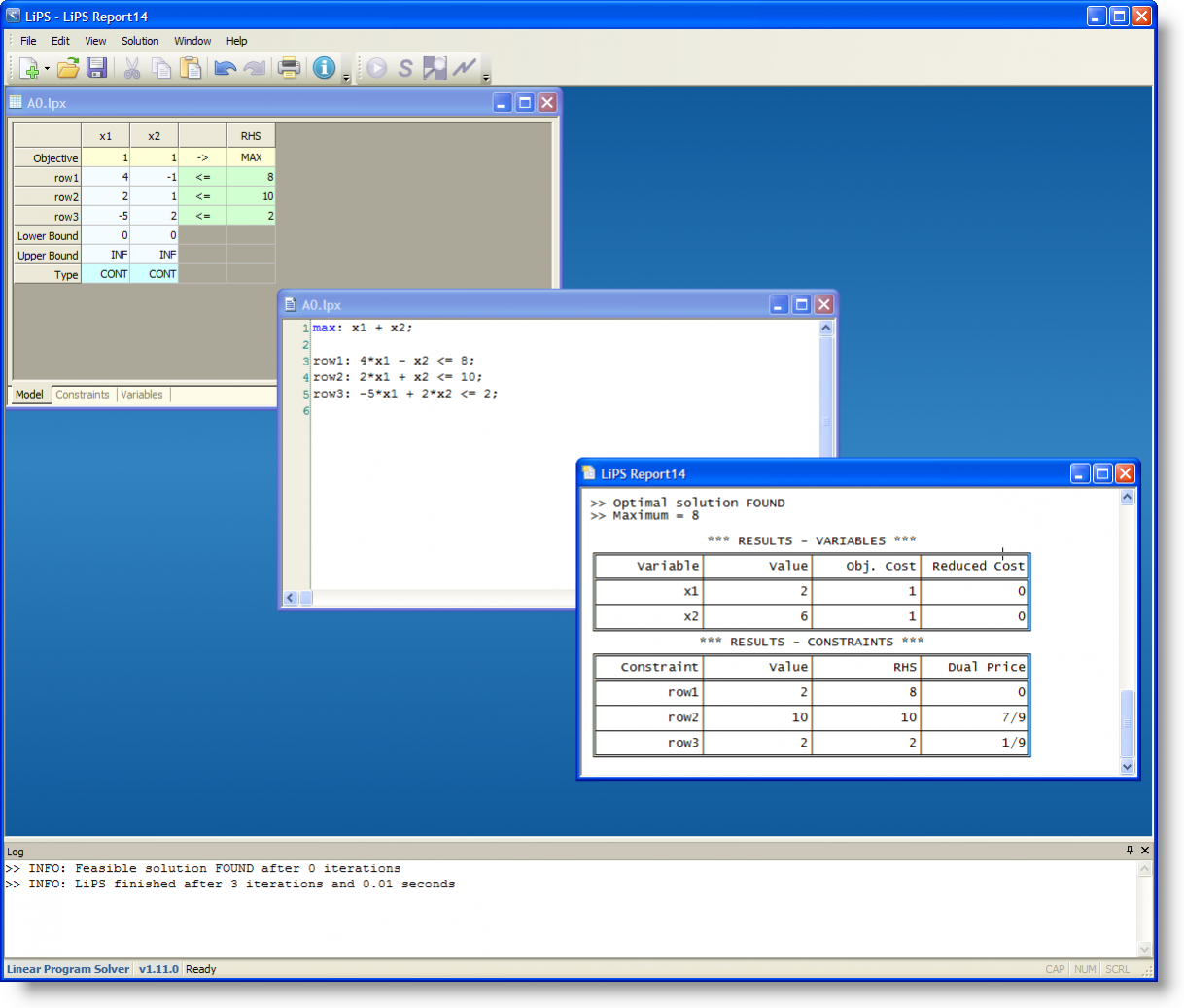
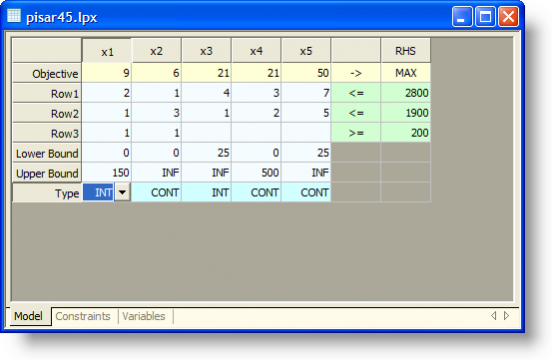
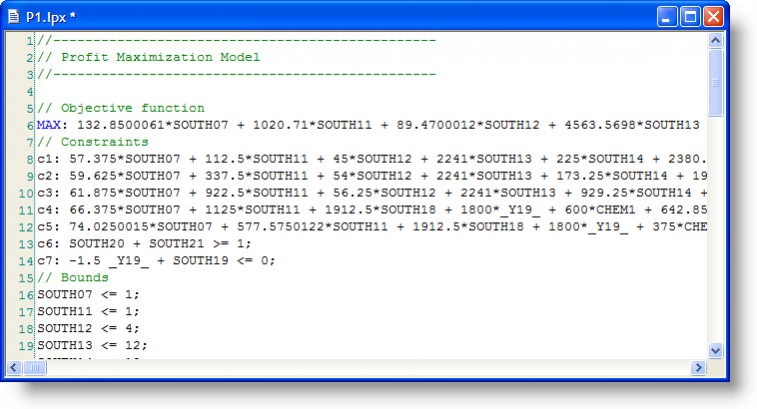
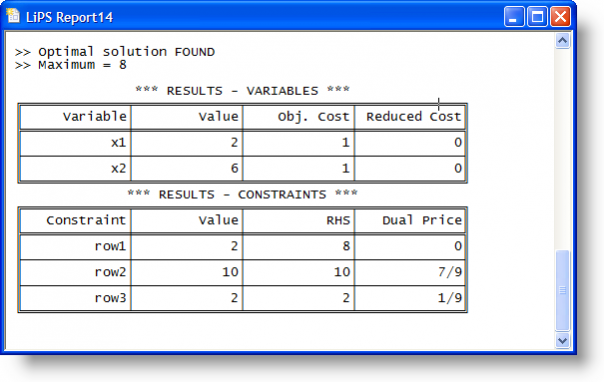
Linear Program Solver (LiPS) is an optimization package oriented on solving linear, integer and goal programming problems.
The main features of LiPS are:
● LiPS is based on the efficient implementation of the modified simplex method that solves large scale problems.
● LiPS provides not just an answer, but a detailed solution process as a sequence of simplex tables, so you can use it for studying/teaching linear programming.
● LiPS gives sensitivity analysis procedures, which allow us to study the behaviour of the model when you change its parameters, including: analysis of changes in the right sides of constraints, analysis of changes in the coefficients of the objective function, analysis of changes in the column/row of the technology matrix. Such information may be extremely useful for the practical application of LP Models.
● LiPS provides methods of goal programming, including lexicographic and weighted GP methods, which are oriented on multi-objective optimisation.
- Linear and Integer programming solver
- Sensitivity analysis
- Goal programming (experimental)
- Easy to use graphical interface (GUI)
About Linear Program Solver
This Components & Libraries program is available in English. It was last updated on 29 September, 2026. Linear Program Solver is compatible with the following operating systems: Linux, Mac, Windows.
The company that develops Linear Program Solver is konobey. The latest version released by its developer is 1.11.0.
The download we have available for Linear Program Solver has a file size of 5.9 MB. Just click the green Download button above to start the downloading process. The program is listed on our website since 2013-09-10 and was downloaded 0 times. We have already checked if the download link is safe, however for your own protection we recommend that you scan the downloaded software with your antivirus. Your antivirus may detect the Linear Program Solver as malware if the download link is broken.
How to install Linear Program Solver on your Windows device:
- Click on the Download button on our website. This will start the download from the website of the developer.
- Once the Linear Program Solver is downloaded click on it to start the setup process (assuming you are on a desktop computer).
- When the installation is finished you should be able to see and run the program.
Program Details
System requirements
Download information
Pricing
Version History
version 1.11.0
posted on 2013-09-10
version LiPS-1.9.4
posted on 2011-03-24
Several fixes and updates
Disclaimer
External Download
We do not host Linear Program Solver on our servers. We did not scan it for viruses, adware, spyware or other type of malware. This app is hosted by the software publisher and passed their terms and conditions to be listed there. We recommend caution when installing it.
The external download link for Linear Program Solver is provided to you by apps112.com without any warranties, representations or guarantees of any kind, so access it at your own risk.
If you have questions regarding this particular app contact the publisher directly. For questions about the functionalities of apps112.com contact us.
